

Partners wanted: usrinfo.tech/partners
USR Apps
Connect or replace

Issue to renewal: from ticket to AMC renewal on one record

19 Nov 2026 · 6 min read · By Vaidyanathan Ramalingam (Founder and CEO), Santhosh Vaidyanathan (Director) and Ritesh Vaidyanathan (Director), USR INFOTECH

USR INFOTECHUSR Apps
Key takeaways
  • Service breaks between tools: the ticket in one, the visit on a phone call, the AMC in a sheet.
  • When ticket, visit, fix, feedback, AMC and renewal share one customer record, nothing is re-typed or forgotten.
  • AMC renewals are flagged ahead of time, so revenue does not slip away quietly.
6
steps on one record
Ticket, visit, fix, feedback, AMC, renew
1
customer record
Shared by service and sales
30
days ahead
Renewal reminder and quote
4
USR apps in the flow
Desk, Field Service and AMC, Feedback, Customer Success

Ask a service head where renewals are lost and the answer is rarely the price. It is the AMC end date nobody saw, the unhappy visit nobody followed up, and the ticket history the sales person never read.

Where service gets stuck

  • Tickets arriving on email, WhatsApp and calls.
  • Visits booked by phone, with no record of the fix.
  • Feedback asked for rarely, and read by nobody.
  • AMC end dates kept in a spreadsheet.

One record from issue to renewal

Ticketloggedin DeskVisittechnicianbookedFixphotoattachedFeedbackcustomerratesAMCcontractactiveRenewquoteearly

Every step reads the same customer record.

1
Log the ticket. Email, web and phone requests land in USR Desk with the customer and asset.
2
Book the visit. Field Service and AMC assigns a technician and a time.
3
Record the fix. The technician updates the job on the phone and attaches photos.
4
Ask for feedback. The customer rates the visit; low scores alert the service head.
5
Track the AMC. The contract, its visits and its end date sit on the same record.
6
Renew early. Customer Success sends a reminder and quote before the AMC ends.
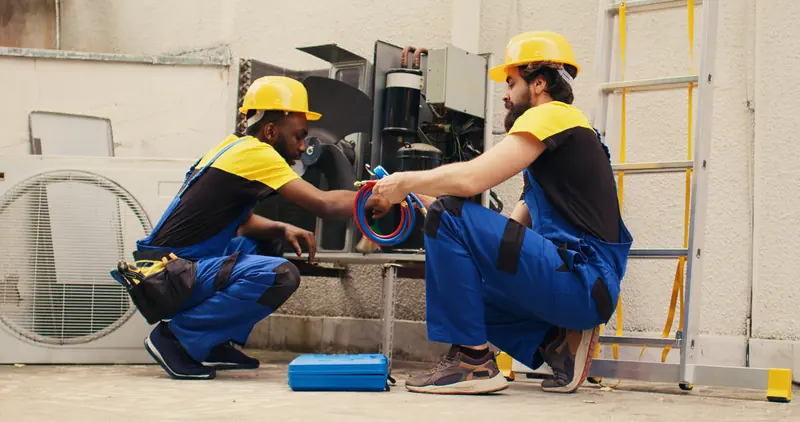
Technicians at work
Every visit and fix on the customer's record.
Your issue-to-renewal check
  1. Where do service requests arrive today?
  2. How are technician visits booked and recorded?
  3. How often do you ask customers for feedback?
  4. Where are AMC end dates kept?
  5. How many AMCs renewed late last year?

See issue to renewal on one record

The flow page shows each step, the USR app behind it and the tools that stay connected.

  • Tickets and visits
  • AMC contracts
  • Renewals on time

Partners wanted: domestic, regional and global service partners and IT resellers can write to apps@usrinfo.tech.

Questions we hear

Can technicians use it on the phone?

Yes. USR apps open in any phone browser; technicians see the visit, update the fix and attach photos.

How are AMC renewals tracked?

Each AMC contract has an end date, and Customer Success sends a renewal reminder and quote ahead of it.

Can we keep our chat tools?

Yes. Ticket alerts can go to Slack or Microsoft 365, and the record stays in USR Desk.

Where do we start?

With tickets: move service requests to USR Desk first, then add visits, AMC contracts and renewals.


Written by the USR leadership team

Vaidyanathan Ramalingam
Vaidyanathan RamalingamFounder and CEO, USR INFOTECH
LinkedIn
Santhosh Vaidyanathan
Santhosh VaidyanathanDirector, USR INFOTECH
LinkedIn
Ritesh Vaidyanathan
Ritesh VaidyanathanDirector, USR INFOTECH

More articles

Run your whole company on USR One, the AI-native, all-in-one business suite for growing companies

Goals, KPIs, 360° feedback and reviews sit in USR PMS, one of 50+ connected apps for HR and payroll, sales, finance, service and operations, on one login and one data layer. From ₹39 ($1) per employee a month, free up to 10 people.

Run this in USR PMS

Reading is the first step. USR PMS keeps the records, reminders and reports for your whole team, on one USR login.

Works best with

USR PMS shares one record with these apps

No retyping between apps: data entered once flows to the next app, on the same login.

One sign-in One record PeopleSalesServiceFinanceOperations

USR One: one record, one sign-in, every department

Enter a person, customer or vendor once and every USR app uses it. Your team signs in once for all five suites: People, Sales & Marketing, Service, Finance and Operations. Start with one suite and add the next with nothing to re-key.

  • Free for up to 10 people
  • One sign-in for every app
  • One bill
  • AI in every app
  • ISO 27001 · ISO 42001 · DPDP Ready

Free to use: USR Assist USR Ready POSH essentials USR WorkforceNew USR BGVPreview Salary breakup Payslip maker GST calculator Compliance calendar PF and ESI

Found this useful? Share it

Why companies choose USR One

Connected apps, not scattered dataEvery app shares one record for people, customers and finance. Enter data once and it flows everywhere.
One USR sign-in across your companyEvery person, every app, one login: USR login, Microsoft, Google or company SSO.
50+ apps for every departmentHR, sales, finance, support and operations. Start with one and add more as you grow.

See all 50+ apps →

Trusted since 2013

1,000+organisations since 2013
50+connected apps, AI in every one
5suites, every department
25+countries
19languages
ISO27001 · 42001 · DPDP Ready
Start free